
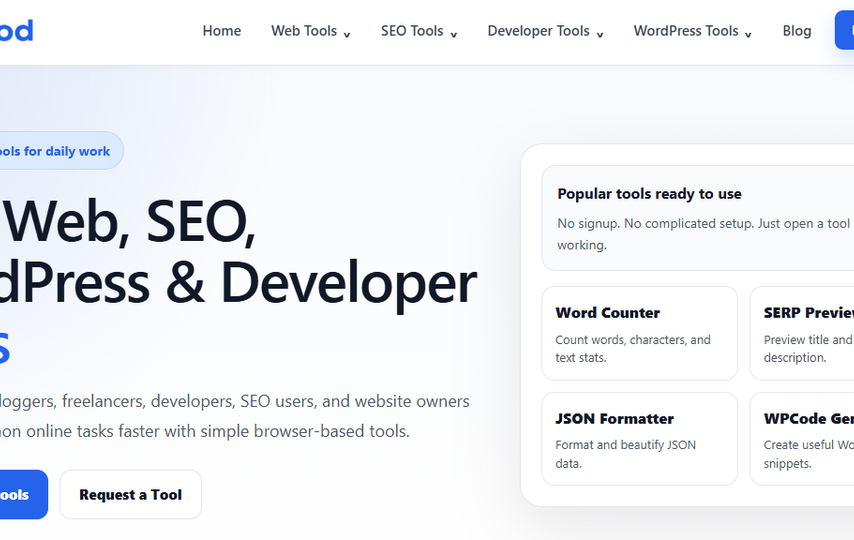

LiveKod.com is a free, no-signup website containing 40+ browser-based tools for web work, SEO, development, and WordPress. LiveKod .com free online tools are specifically designed for bloggers, freelancers, students, developers, SEO users and website owners. Most tasks are carried out from a browser and need relatively low setup.
What livekod.com free tools online Is?
LiveKod is a set of free online tools. There’s no need to sign up for an account. The home page literally states “No signup. No complicated setup.” There’s no need to install any tools, most of them are in the browser. There are no pricing tiers for the site, nor are there any paid plans.
Its About page was dated April or May 2026. With that, there is not much public history to evaluate. Users can make suggestions using a Request a Tool form and report issues on a Report a Bug page.
What’s in the Toolbox
Four groups hold ten tools each. Web Tools include word and character counters, a case converter, password and QR code generators, an image compressor, age and percentage calculators, a unit converter and an online notepad.
SEO users get meta title and description checkers, a SERP preview, keyword density checker, robots.txt and XML sitemap generators, schema and FAQ schema generators, an Open Graph tag generator and a 301 redirect generator.
Developer Tools cover JSON formatting and validation, Base64 and URL encoders or decoders, HTML, CSS and JS minifiers, a regex tester, JWT decoder and UUID generator.
The WordPress group has shortcode, custom post type and taxonomy generators, WPCode snippet and functions.php tools, a child theme generator, WooCommerce button changer, and snippets for disabling comments, adding security measures and enabling maintenance mode. This focus makes livekod.com free tools online particularly useful for WordPress users, in my view.
A Closer Look at Four Tools
Image Compressor
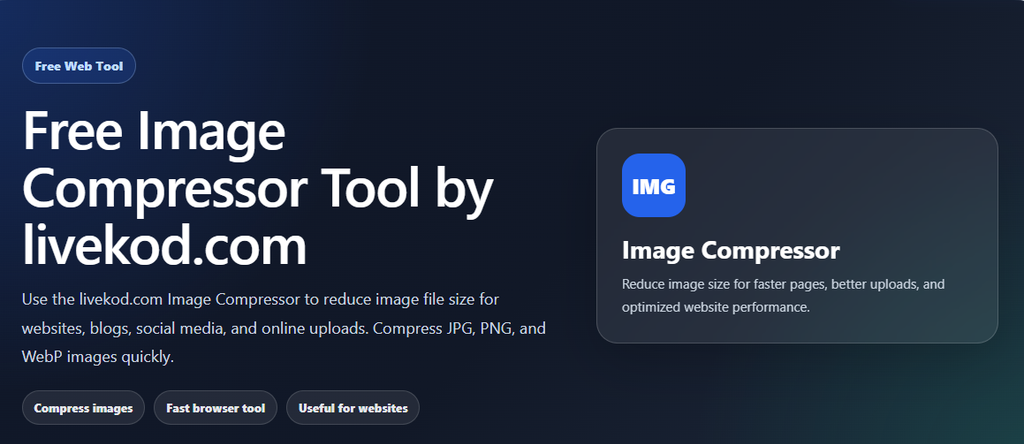
The Image Compressor accepts JPG, PNG and WebP files. Set quality, which defaults to 70%, choose a maximum width in pixels and select JPG, WebP or PNG output. The page says processing happens “directly from your browser”. It shows original and compressed sizes, percentage saved and side-by-side previews, with a download button. No file-size limit or batch option is listed.
Word Counter
Paste text to see word, character, character-without-spaces, sentence and paragraph counts, plus estimated reading time. Copy Text and Clear buttons are provided. It gives writers the basic measurements they need while editing a longer draft quickly.
JSON Formatter
The JSON Formatter offers two-space or four-space indentation, or minification. Its buttons handle Format, Minify, Validate, Copy, Download JSON and Sample. The page also reports file size and counts of keys, arrays and objects, so users can inspect the structure as well as the text.
Child Theme Generator
Enter parent and child theme names and folder names, plus an author, version, description and optional theme URL. Optional files include a functions.php that loads parent styles and a README.
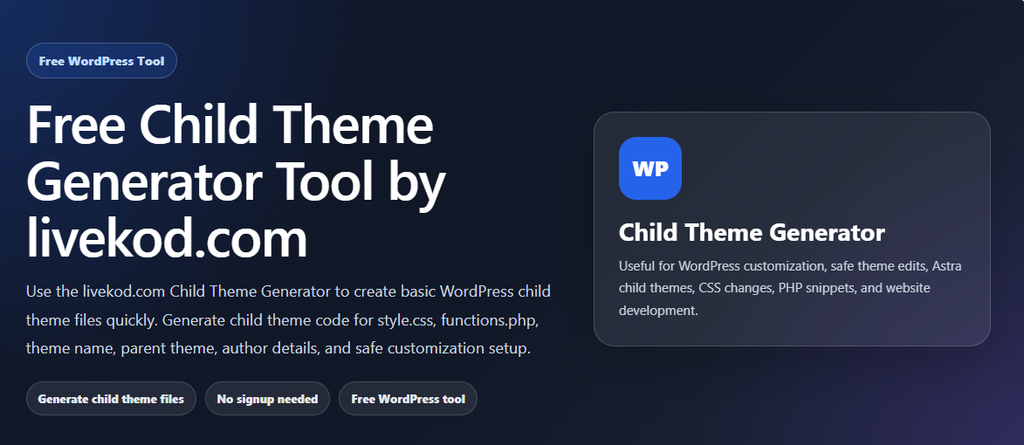
Copy style.css or functions.php, or download a ZIP. Install it through Appearance > Themes > Add New > Upload Theme, and keep the parent theme installed. The page advises testing before a live site. Astra is its example, though other themes are supported.
Privacy and Who Runs It
LiveKod names no owner, company, location or founding date. Its blog posts are credited to “admin”. The only contact options are admin@livekod.com and a contact form.
The homepage FAQ says text and image tools process data locally “where possible”. The qualification matters. Its privacy policy says inputs such as text, URLs, code and files may be collected, and some features may process data on the server. It does not say how long inputs are kept. The policy calls itself a general template, which leaves important questions open.
The policy says ads, sponsored placements or affiliate links may appear in future. An Advertise With Us page is also listed. Public text and test data are sensible choices. Think twice before entering passwords, API keys, JWTs or client material.
livekod .com free tools online- Pros and Cons
The appeal of livekod.com free tools online is clear: the tools are free, require no signup and need no installation. Forty utilities sit in one place, with focused pages for separate tasks. WordPress users get code generators and a ZIP download for child themes.
The drawbacks matter. The operator is anonymous, the privacy policy is a template, and its local-processing claim is qualified. No limits are stated for image size, batch processing or password length. The site is too new to have much of a track record. There is also a small polish slip: the browser tab title reads “Llivekod.com”.
For quick tasks, LiveKod.com free tools online offer convenience.
LiveKod Is Not LiveCodes
Searches for LiveKod can surface LiveCodes at livecodes.io, a separate open-source code playground that supports more than 90 languages. The names look alike, but the services do different jobs. LiveKod collects handy utilities. LiveCodes lets developers experiment with code in a playground. One is for utilities, the other for coding experiments.
Final Words
LiveKod may be worth bookmarking. A lot of the functions here are very simple like word counters and rescaling images to upload. Nothing complicated.
The child theme generator is very handy. It simplifies what could be tricky process with easy to fill in boxes, and provides downloadable files. It also reminds users to test things first.
However, be careful. Although this might be useful, you wouldn’t want to trust this site with sensitive information. Giving it your private information through the password generator would be a very naive decision. However, the tool page itself says passwords are created in the browser, and there’s no sign they’re stored. It would be best to complete quick, non-sensitive tasks on this site.